
Resources
SDS binder setup: a cover, a product index and tabs every shift can use
Pull your safety data sheets out of drawers and inboxes and into one binder. This free kit gives you the cover, the product inventory and a tab plan to sort them by.
Printable template
Why one binder beats a shelf of loose sheets
Most cleaning and maintenance products have a safety data sheet written by their manufacturer. An SDS binder collects those sheets for everything stored in your building and keeps them together. Spread across a desk drawer, a supplier’s email and a folder in the shop, those sheets are hard to find on a calm day and harder on a busy one.
With a cover, an index and labeled tabs, the same pile becomes something a supervisor, a new hire or a night-shift lead can open and use without hunting. The kit on this page gives you each of those parts: a cover block, a product inventory, a tab plan, a list of places to walk, an upkeep list and a small table for extra copies. Download it, print it, and run off as many inventory pages as the building needs.
One point sits outside the kit. What belongs in the binder, and who answers for it, is set by your workplace’s own hazard-communication program, so run your plan past whoever owns that program at your company.
The cover: who, where and when
The cover answers the questions people ask first. It carries five lines: the facility, the binder’s spot written out precisely, its keeper, a backup keeper for days off, and the last review date.
Write the location so a stranger could walk to it. “Receiving office, top shelf by the window” works; “the dock” does not. In a Stockton distribution building the binder might sit in the receiving office, while a three-story office might keep it in the ground-floor facilities closet. A clear cover also stops the binder from wandering off, since anyone who borrows it can see where it belongs. A clear plastic sleeve over that page keeps the writing legible through months of handling.
Build the product inventory from a walk
The inventory pages are the binder’s index, with five columns: Product name, Maker, Where it is kept, Sheet date and Tab. Fill them in by walking the building with a clipboard rather than reading an invoice. Products end up in spots nobody remembers stocking, and a walk finds them.
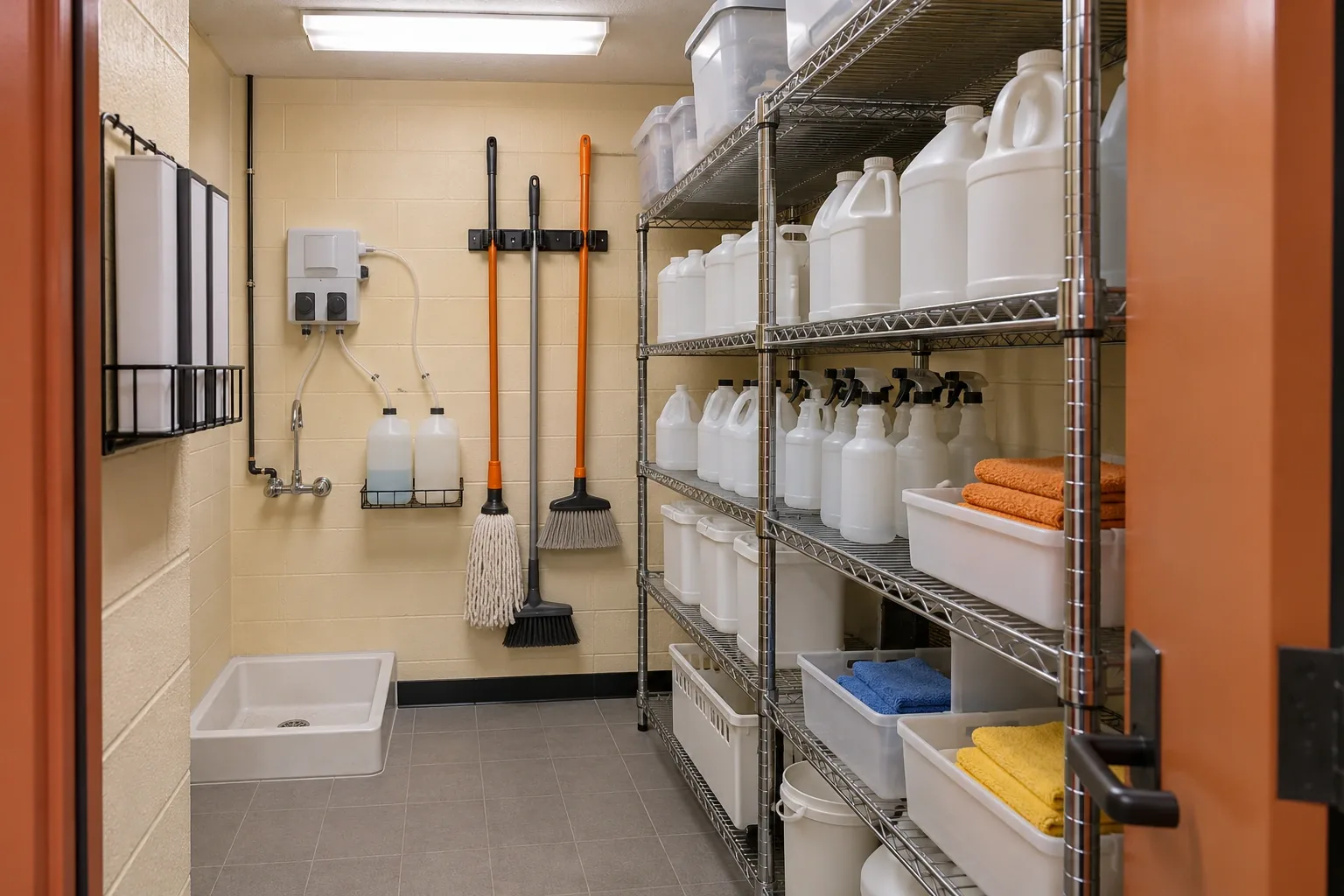
- Janitor closets and mop sink areas
- Breakroom and pantry cabinets, including under the sink
- The maintenance shop and any parts cage
- Shelves at the dock and receiving area
- Cleaning stations on production or packing floors
- Supply cupboards at the front desk and copy room
Give each product one row. Copy its name the way the label shows it, add the maker, note where it is stored and write the date printed on its sheet. The Tab column links the row to the divider where that sheet is filed, so a reader can go from the index to the right page in one move. The kit repeats the walk as a short list, so you can tick off each area as you clear it.
Three ways to order the tabs
Choose one tab order and keep it. A binder that switches systems halfway through is the one that stops getting used.
- Alphabetical. Easy for a small office with one supply closet, because the index and the tabs read in the same order.
- By area. Helpful when the building splits into zones, such as offices up front, a production floor and a dock, each with its own shelf of products.
- By product type. Floor products, restroom products, general cleaners and maintenance products each get a divider, which suits a site where the same product turns up in several rooms.
Mark the order you picked on the kit’s tab plan, label every divider to match the Tab column, and file the inventory pages at the very front so they are the first thing anyone sees on opening the binder.
Area tabs tend to suit a Stockton site that runs a dock and a production floor, since a lead on either one can open straight to their own section. Alphabetical order usually fits a front office where a single cupboard holds everything. Product-type tabs help a building that stocks the same floor cleaner in four closets.
Choosing a spot for the binder and keeping it updated
Give the binder a permanent, labeled home that every shift can reach, ideally near the closets and shelves holding the products. In a spread-out building, a second copy saves a long walk. The kit’s copy table lists where each copy sits, its keeper and the date someone last looked it over.
From then on, three events call for the binder. A delivery brings in something new: its sheet goes in the binder and a fresh line goes on the index that same day. A product is dropped from the order list or replaced by another brand: cross off its line and deal with its sheet as your program directs. And on a review date you set, quarterly or twice a year, someone repeats the walk, checks each shelf against the index, then dates the cover and pencils in the next walk.
When the keeper changes jobs, hand the binder over in person. Walk the new keeper through the cover, the tab order and the next review date, then write their name on the cover so the change shows at a glance.
Where Stockton Commercial Cleaning fits
Our crews clean the rooms where many of these products are stored: janitor closets, breakrooms, restrooms, shop offices and dock areas. Visits run in the evening, overnight or on weekends, so they stay clear of your shifts, and supervisors walk the route on quality inspections. Day porters can cover busy areas while the building is open.
If the binder is part of a wider look at how the building is kept, start with a free walkthrough. We will see the rooms, ask about your shifts and send a written quote you can set beside other bids.
Common questions
What ends up inside a facility’s SDS binder?
One manufacturer’s sheet per product you store on site, from floor finish to restroom cleaner, behind a cover page and an index, split up by tabs so any sheet turns up fast.
Which tab order works best for safety data sheets?
The one that mirrors how your products are stored: alphabetical for a single supply closet, grouped by zone for a site with a dock and a production floor, or grouped by type when one product sits in several rooms.
What should trigger an update to the binder?
Two things: any change to what sits on the shelves, and a review date you set each quarter or half year. At the review, someone repeats the walk, matches shelves to the index and dates the cover.
Where is the best place to keep it?
Somewhere permanent and labeled that people on every shift can reach, near the products themselves. On a large site a second copy saves a long walk; log it on the kit’s copy table.
Is there a charge to download the kit?
No. Download it here, print it, and copy as many index pages as the building needs.
Resources